Choose a device control that matches the task
USB Block may fit selected Windows workstations when an administrator needs local device authorization or restriction and has tested the current release. It does not encrypt data stored on a USB drive, inspect files for malware, replace enterprise endpoint management, or guarantee complete data-loss prevention.
An administrator pilots rules on a small group of shared PCs using non-sensitive test drives. Required keyboards, badge readers and approved storage stay documented before broader rollout.
Run the control sequence
- 01
Verify official source, current release, license and supported Windows environment.
- 02
Pilot with non-sensitive test drives before applying rules to operational workstations.
- 03
Test block, allow-list, read and write behavior for each required device class.
- 04
Test administrator recovery, rollback and emergency peripheral access.
- 05
Approve only the verified use; document exclusions and review date.
Preserve decision evidence
Record product version, installer source, license, Windows build, device identifiers, allow/block result, read/write result, rollback outcome, exclusions and policy owner.
Stop when
- Legacy screenshots are treated as proof of the current release.
- The product is treated as drive encryption or malware inspection.
- No tested rollback or emergency-access route exists.
The record should show the approved policy version, tested environment, responsible people and known limitations without storing passwords or unnecessary USB policy content.
Separate the surrounding controls
Not USB-drive encryption, malware inspection, enterprise MDM or guaranteed total DLP. Device authorization does not encrypt drive contents, validate every file, govern cloud access or replace layered endpoint controls.
Inspect the workflow, not the artwork
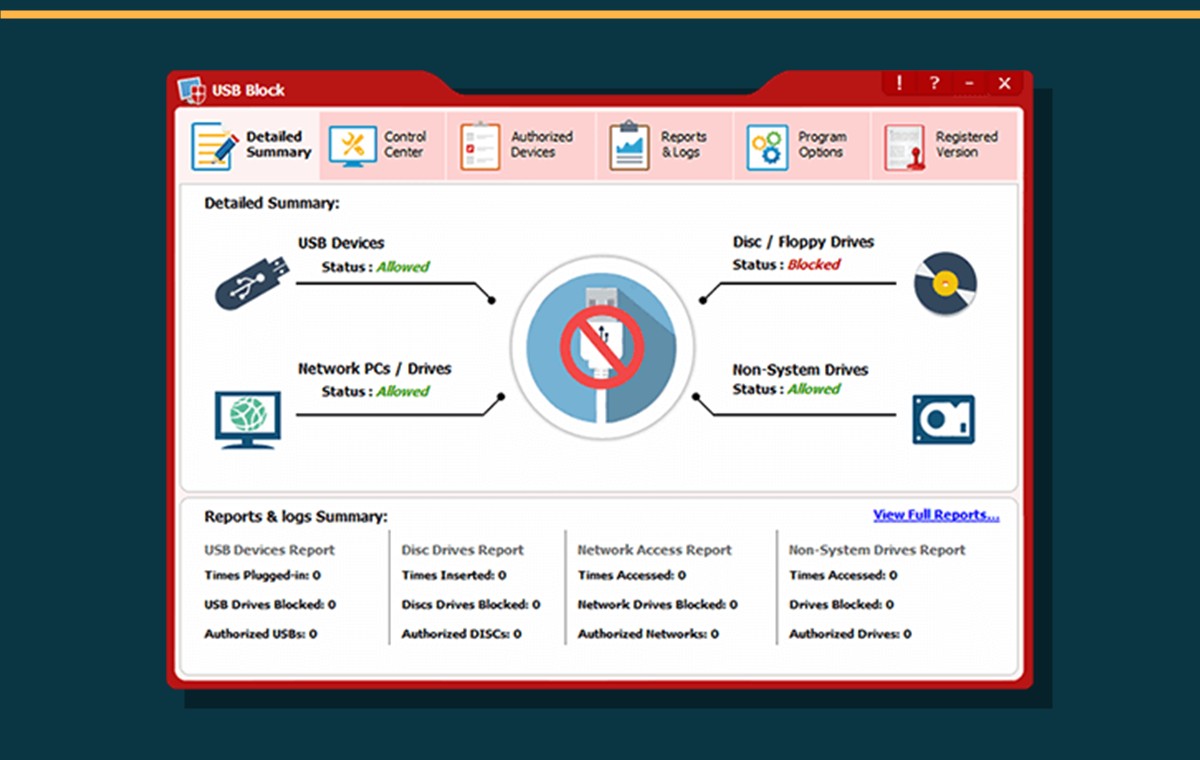
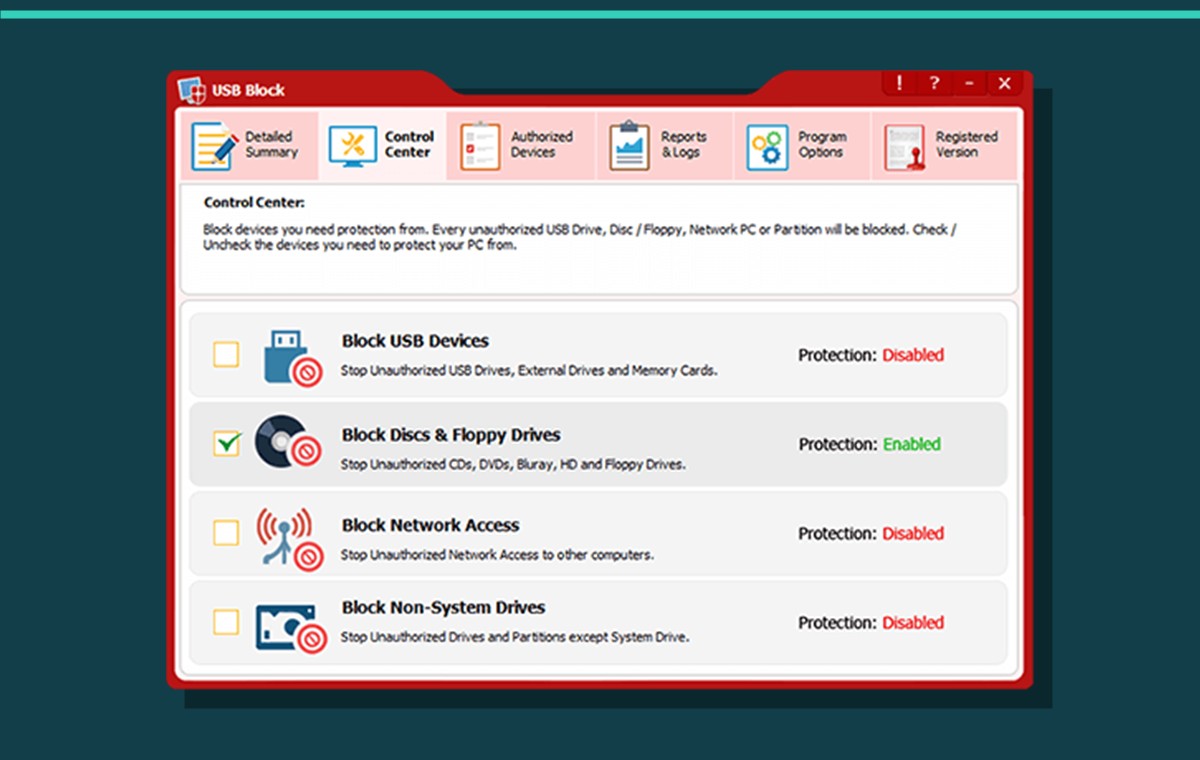
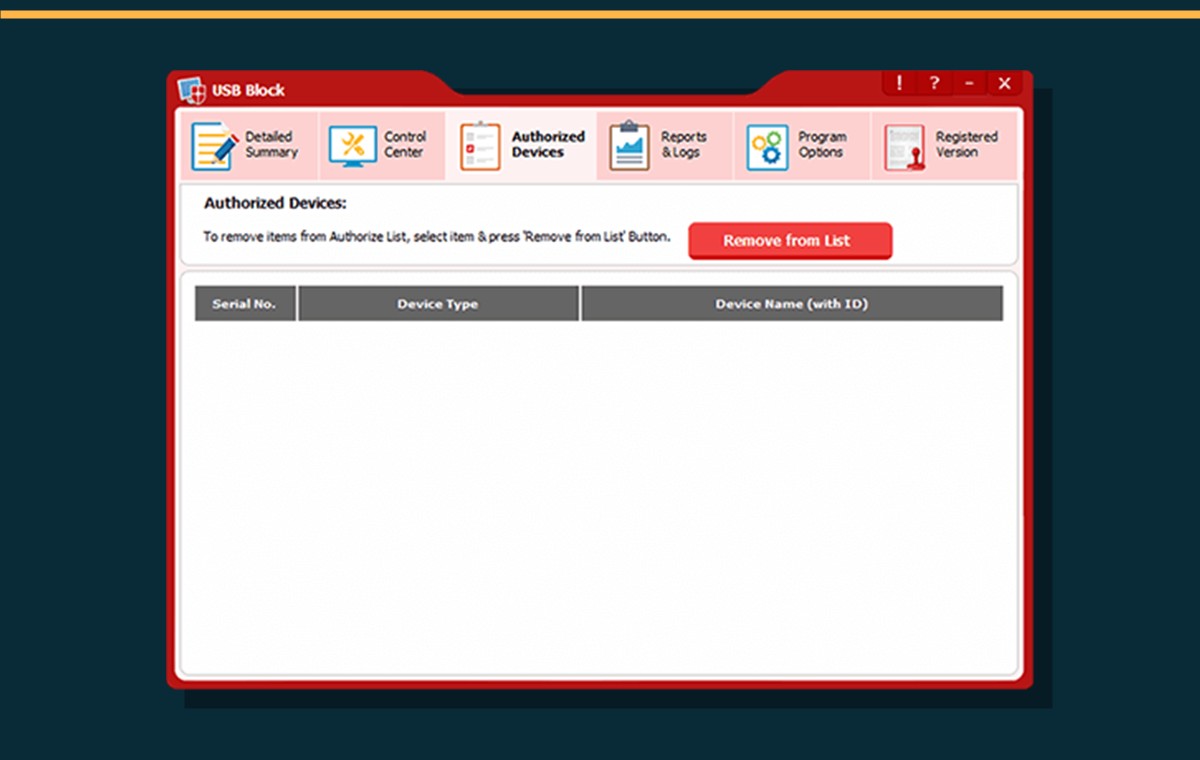
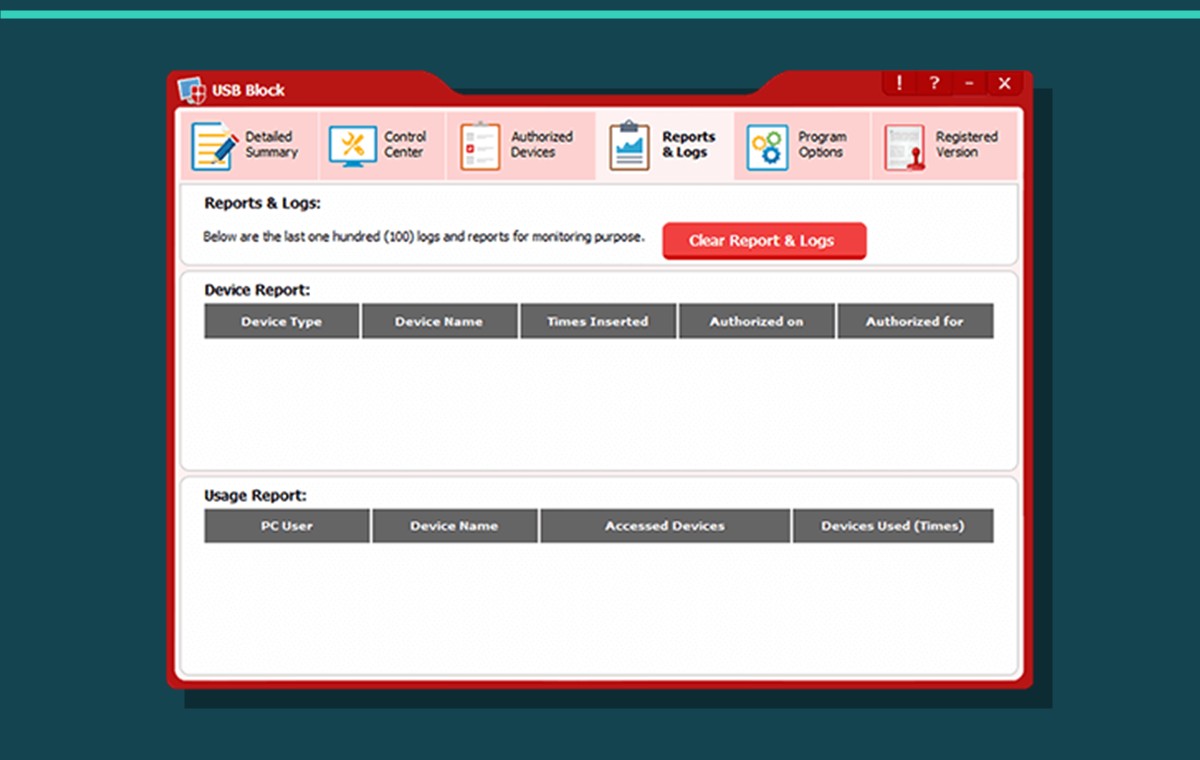
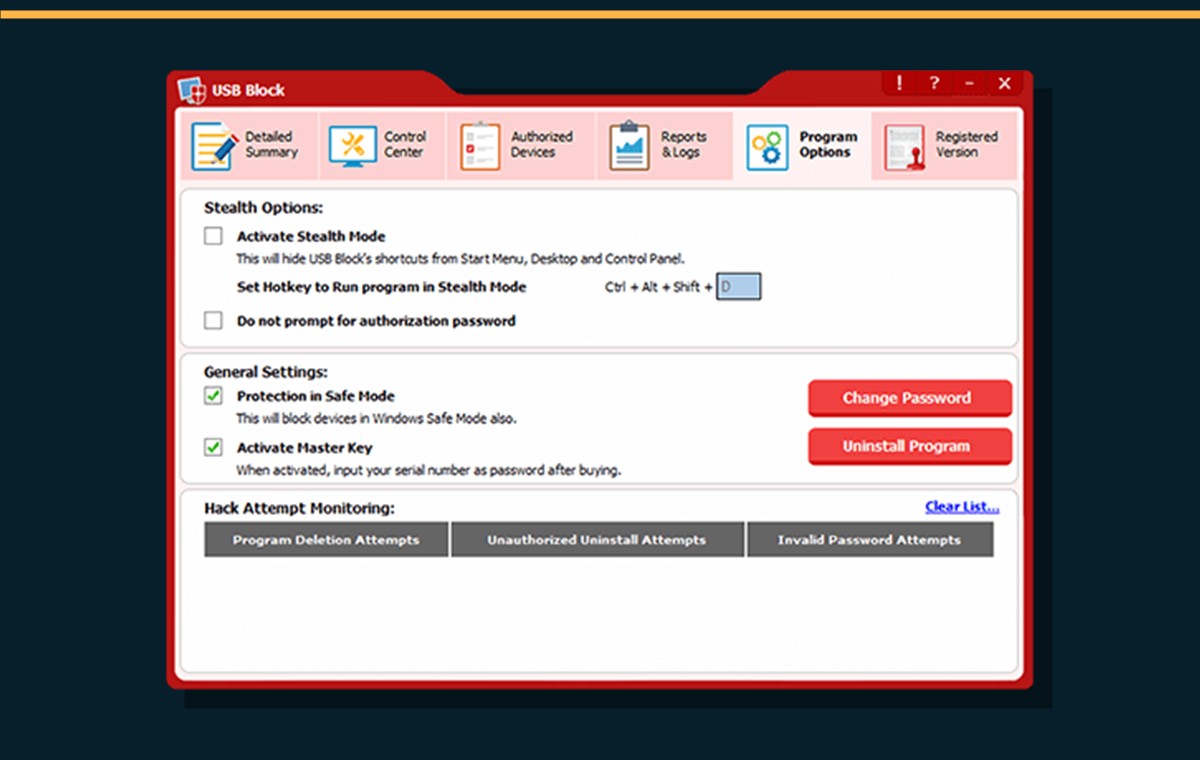
USB Block does not encrypt USB-drive contents, scan malware, replace enterprise MDM or guarantee total DLP.
USB-device policy questions
Should USB Block replace endpoint management?
No. Use it only for the tested local-device control role and keep central inventory, identity, monitoring and incident response in their appropriate systems.
Does blocking a USB drive encrypt its contents?
No. Authorization and encryption are separate controls; use appropriate encryption when data at rest requires protection.
Primary references
References support specific boundaries and do not imply endorsement.