Choose a device control that matches the task
Start with an inventory of removable storage and required USB peripherals. Define which device classes must be blocked, which business tasks justify an exception, who owns approval and how long each exception lasts. Pilot with non-sensitive devices before enforcing the rule broadly.
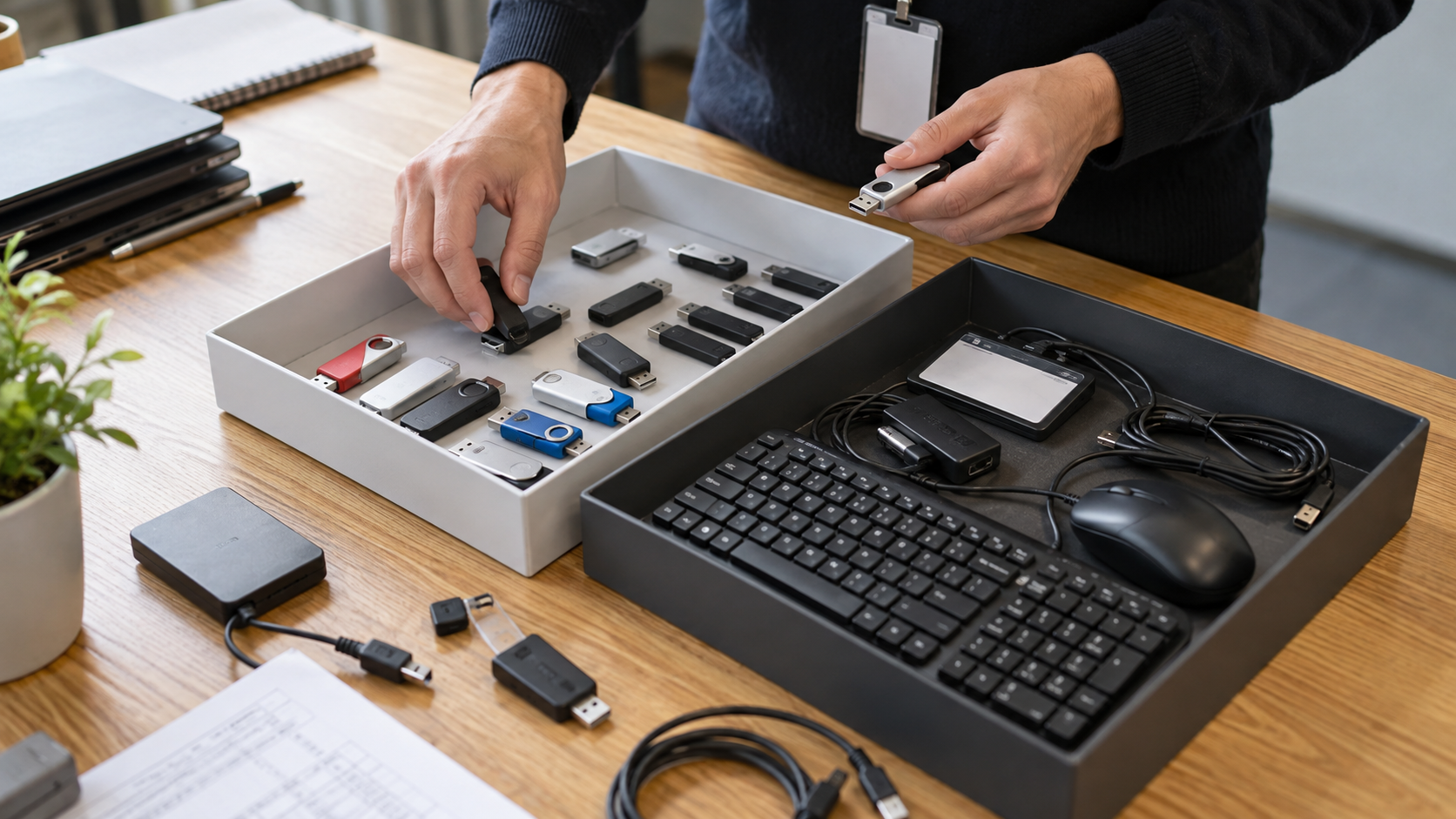
An administrator pilots rules on a small group of shared PCs using non-sensitive test drives. Required keyboards, badge readers and approved storage stay documented before broader rollout.
Run the control sequence
- 01
Name the policy owner, pilot group and intended protection outcome.
- 02
Inventory storage devices and required peripherals by device class.
- 03
Document trusted-device owners, purposes and expiry dates.
- 04
Define block, allow, read-only and read/write outcomes explicitly.
- 05
Test the policy, record results and retain a reversible baseline.
Preserve decision evidence
Record policy ID, Windows build, product version, device class, hardware identifier where appropriate, requested access, owner, approver, test result, exception expiry and next review.
Stop when
- No accountable policy owner can approve the rollout.
- Required peripherals have not been identified and tested.
- A trusted-device exception has no named owner or expiry date.
The record should show the approved policy version, tested environment, responsible people and known limitations without storing passwords or unnecessary USB policy content.
Separate the surrounding controls
USB Block authorizes/restricts local devices; it does not encrypt drive contents. Device authorization does not encrypt drive contents, validate every file, govern cloud access or replace layered endpoint controls.
USB-device policy questions
Should USB Block replace endpoint management?
No. Use it only for the tested local-device control role and keep central inventory, identity, monitoring and incident response in their appropriate systems.
Does blocking a USB drive encrypt its contents?
No. Authorization and encryption are separate controls; use appropriate encryption when data at rest requires protection.
Primary references
References support specific boundaries and do not imply endorsement.